Login
When the application start, you are automatically login.
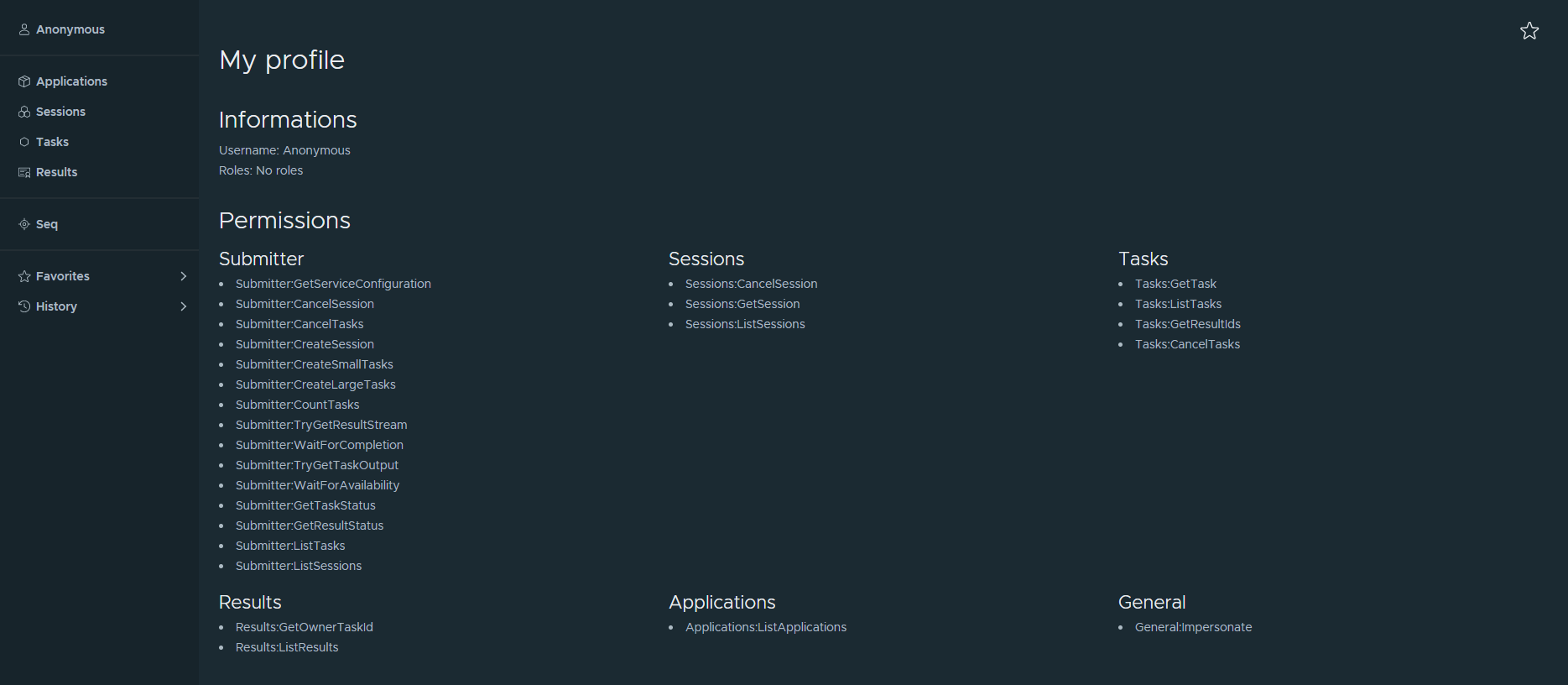
If authentication is not activated in your current deployment, you will be login as an Anonymous user. This will give you access to the entire application without restriction.
However, if authentication is activated, you will need to provide a certificate. Otherwise, you will not be able to access the application.
Refer to your system administrator to know if authentication is deployed.Please see ArmoniK docs for more informations.
Your profile
You can access to your profile informations like username, roles and permissions from the application using the first link of the sidebar.